
Branding
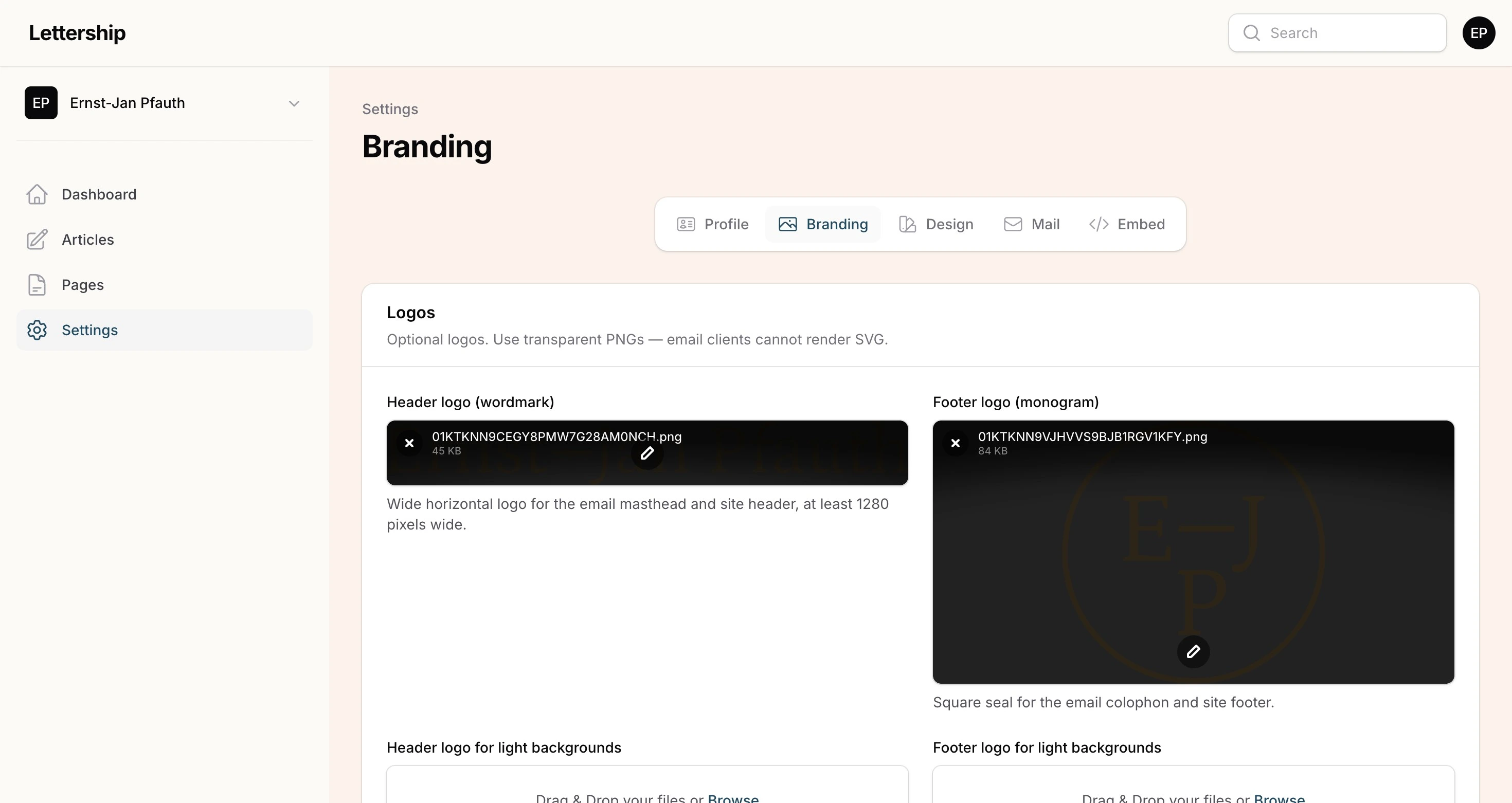
Go to Settings › Branding. A logo is a nice bonus. It makes your newsletter stand out more and gives your Lettership a face of its own. A nicely designed Lettership immediately signals that the sender takes it seriously. Look at Kapitale Kanttekeningen by Milou Brand, for example, with its own logo and a clear visual line.
There are four fields.
- Header logo (wordmark): a wide, horizontal logo for the top of your emails and your site. At least 1280 pixels wide.
- Footer logo (monogram): a square mark. In your emails it sits in the colophon at the bottom; on your site it’s in the box at the top right, above the Subscribe button.
- The two variants for light backgrounds are only needed if you’ve chosen a dark background for your site. Then you probably have a light logo on it, and that won’t work in your emails, because those always have a light background. In that case, upload a version of your logo that works well on light.
Social links
Section titled “Social links”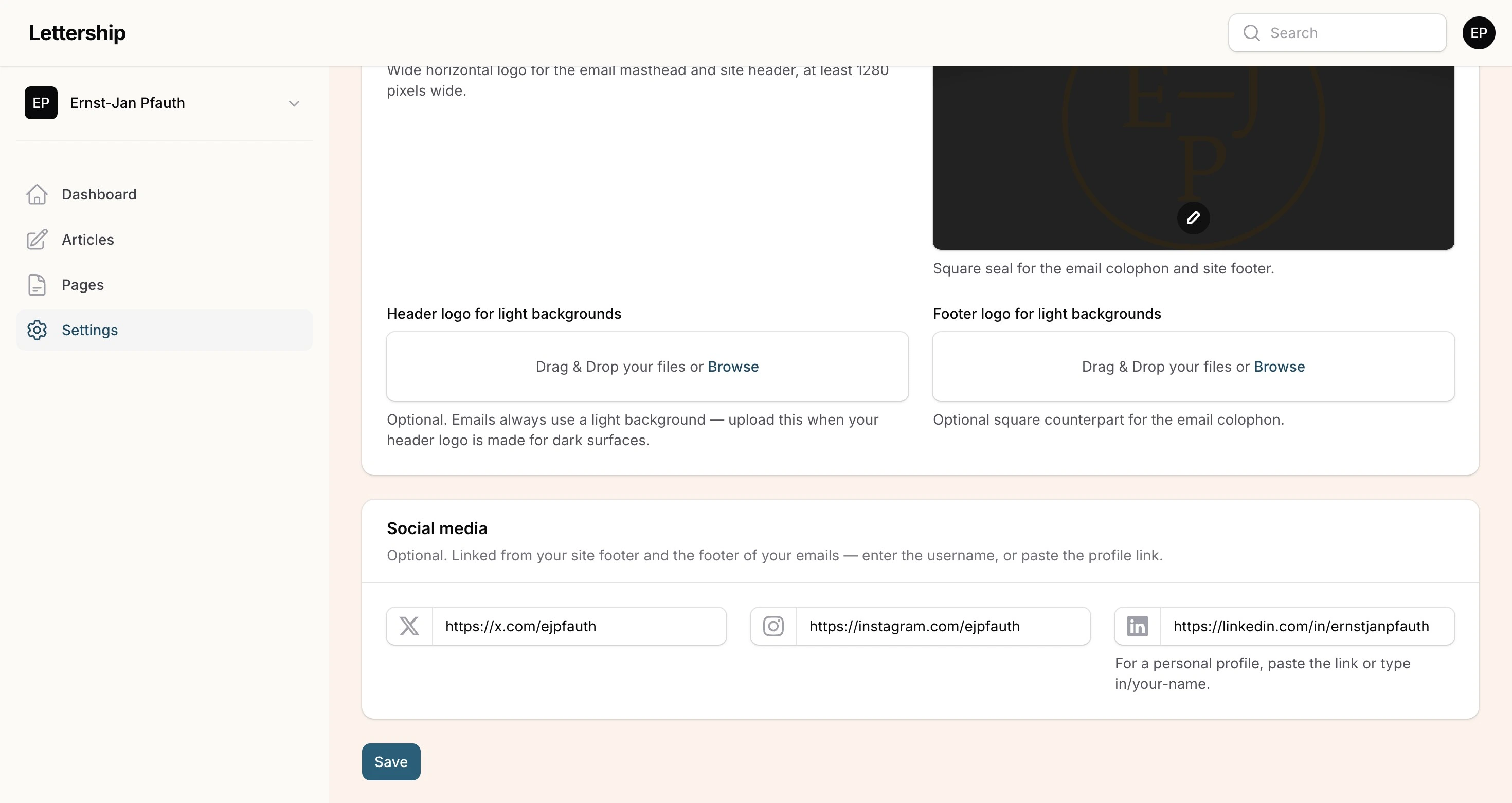
Below that: your social links (X, Instagram, LinkedIn). They appear at the very bottom of every email and on your Lettership, so people can follow you elsewhere too. They don’t distract from the subscribe button.