
Pages
Pages are standalone, fixed pages such as an ‘About me’ or ‘Contact’. A page is not emailed to your subscribers and doesn’t appear among your articles in the archive. You use them for information with a longer shelf life than a single newsletter. I have a page, for example, where I introduce myself and explain why I write a newsletter.
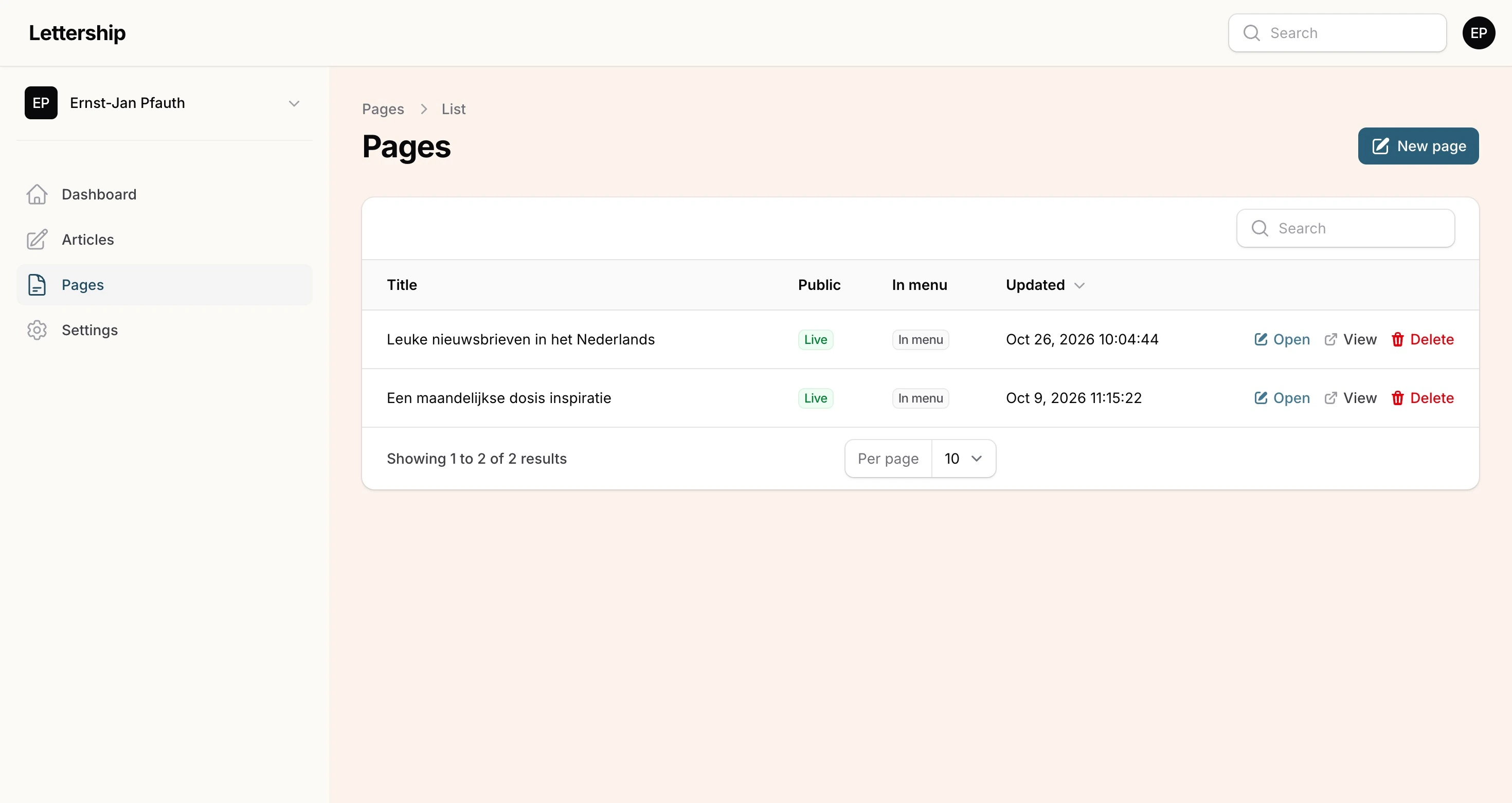
A few ideas:
- Who you are. I would always make a page explaining who you are and what you stand for.
- Your book or show. If you have one, make a separate page for it.
- An overview. You can use a page to organise your newsletter: if you publish restaurant reviews, link to all the restaurants you’ve covered on one page.
Making a page
Section titled “Making a page”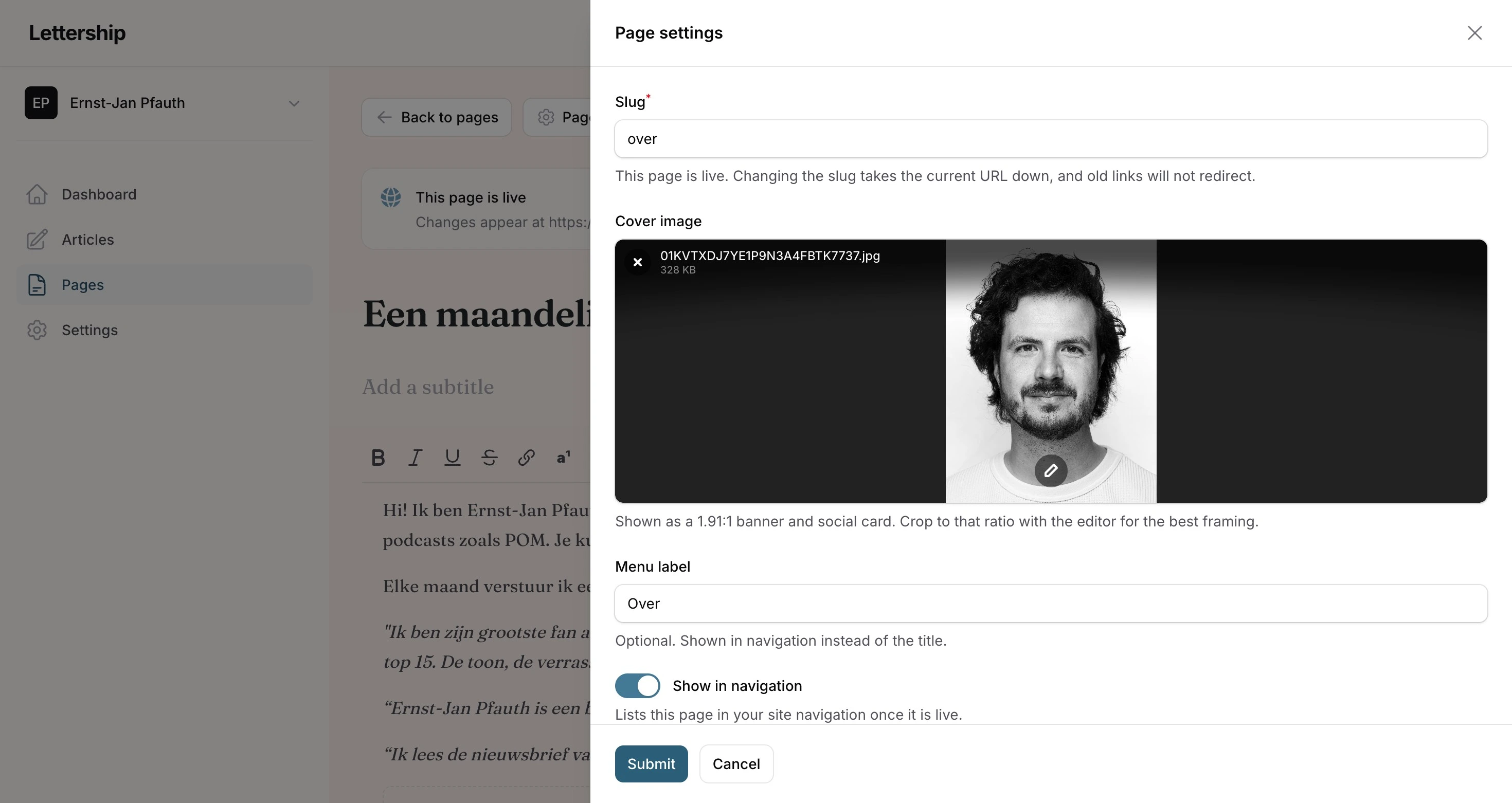
You write a page in the same editor as an article. Above is my ‘About’ page, with a short introduction and a few quotes from readers.
Via Page settings you choose:
- the web address (mine is simply ‘over’);
- a cover image;
- whether the page goes in your site’s menu. That menu opens via the menu icon (☰) in the box at the top right of your site. You can give it a shorter title for that menu.
Taking a page offline
Section titled “Taking a page offline”Take offline removes a page from your site again. Changes to a page that’s live appear as soon as you save.